- Shabhana s
- Conversion Rate Optimization, Core Web Vitals, digital marketing, E-commerce SEO, Online Sales, Page Load Time, Page Speed Optimization, Seo, User Experience, Web Performance, Website Optimization, Website Performance, Website Speed, Website Speed Optimization
- 0 Comments
- 317 Views
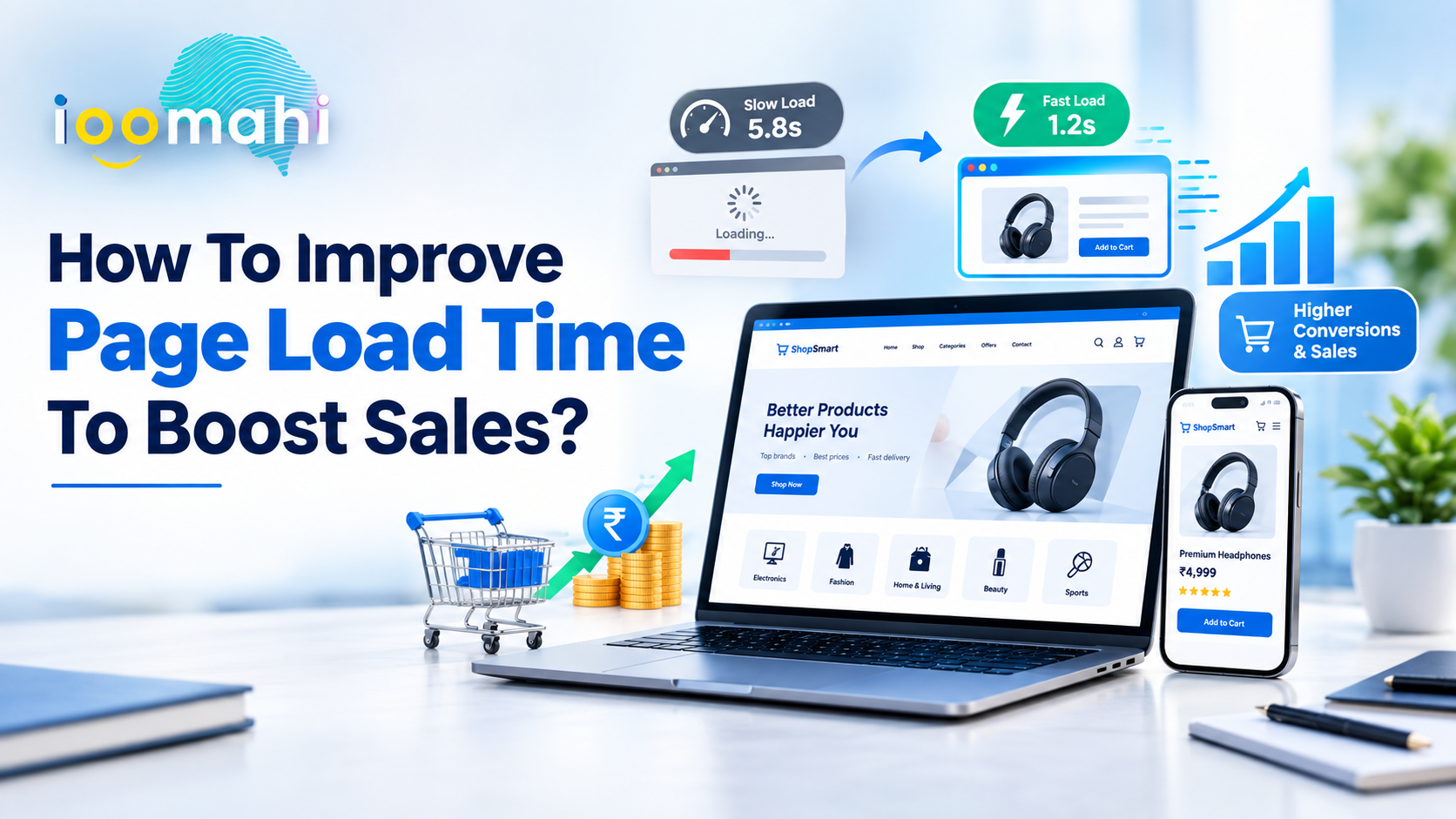
Website speed plays a major role in how visitors interact with your business online. A slow-loading website can frustrate users, increase bounce rates, reduce engagement, and ultimately cost you valuable sales. In today’s competitive digital environment, customers expect web pages to load quickly, whether they are browsing from a desktop, tablet, or mobile device.
Page load time is not simply a technical performance metric. It directly affects user experience, search visibility, conversions, and revenue. Even a small delay can make visitors less likely to explore products, complete forms, or make a purchase.
The good news is that improving website speed does not always require rebuilding your entire website. By optimizing images, reducing unnecessary scripts, improving hosting performance, and implementing modern web technologies, businesses can create a faster and more conversion-friendly website.
Why Page Load Time Matters for Sales
When a visitor lands on a website, the first few seconds can determine whether they stay or leave. Slow-loading pages create friction before users even have an opportunity to see your products, services, or offers.
A faster website can help businesses:
- Improve user experience
- Reduce bounce rates
- Increase page engagement
- Improve conversion rates
- Support better search engine visibility
- Encourage repeat visits
- Build greater trust in the brand
For e-commerce websites in particular, speed is critical because customers may need to navigate multiple pages before completing a purchase.
How Slow Websites Affect Customer Behavior
Customers have become accustomed to fast digital experiences. If your website takes too long to display important content, visitors may abandon the page and look for an alternative.
Slow performance can be especially damaging during checkout. A customer who has already decided to buy may leave if product pages, shopping carts, payment pages, or confirmation screens take too long to load.
This means website speed should be considered part of the overall sales funnel rather than just a developer-focused technical issue.

Read here – 10 Best YouTube Marketing Tools to optimize the Reach of YouTube Videos
1. Optimize Your Website Images
Large, unoptimized images are one of the most common causes of slow page loading.
High-resolution product photos, banners, backgrounds, and promotional graphics can consume significant bandwidth. Compress images before uploading them and use modern formats such as WebP or AVIF where appropriate.
You should also avoid serving images that are much larger than their displayed dimensions.
Best Practices for Image Optimization
- Compress images without significantly reducing quality.
- Use WebP or AVIF when supported.
- Resize images according to their actual display dimensions.
- Implement lazy loading for images below the fold.
- Use responsive images for different screen sizes.
Optimized images can significantly reduce page weight while maintaining a professional visual appearance.
2. Minimize CSS and JavaScript
CSS and JavaScript are essential for modern websites, but excessive or poorly optimized code can slow down rendering.
Remove unused CSS and JavaScript files and minimize the files that remain. Combining resources where appropriate and loading non-critical scripts later can also improve performance.
Third-party scripts deserve special attention. Analytics tools, chat widgets, advertising scripts, social media plugins, and tracking technologies can add significant loading overhead.
Review these integrations regularly and remove tools that are no longer providing meaningful business value.
3. Use Browser Caching
Browser caching allows certain website resources to be stored on a visitor’s device. When the user returns to your website, the browser does not need to download every resource again.
Configure appropriate cache policies for assets such as:
- Images
- CSS files
- JavaScript
- Fonts
- Static resources
Effective caching can make repeat visits considerably faster and reduce unnecessary server requests.
4. Choose Reliable Web Hosting
Your hosting environment has a direct impact on website performance.
Low-cost hosting may appear attractive initially, but limited server resources can result in slow response times, particularly when traffic increases.
Consider hosting solutions that provide:
- Adequate CPU and memory resources
- Fast storage
- Scalable infrastructure
- Server-side caching
- Strong uptime
- Data centers close to your target audience
For growing businesses, scalable cloud infrastructure can help maintain consistent performance as traffic increases.
How you can improve page load time so get more information here – Role of Digital Marketing for effective Business Growth
5. Use a Content Delivery Network
A Content Delivery Network, or CDN, stores copies of static website resources across multiple locations.
When someone visits your website, the CDN can deliver resources from a location closer to the visitor. This can reduce latency and improve loading performance for users in different geographic regions.
CDNs are particularly useful for websites serving customers across multiple cities, countries, or continents.
6. Improve Mobile Page Speed
Mobile optimization should be a priority because a large portion of website traffic comes from smartphones.
A page that loads quickly on a powerful desktop computer may perform poorly on a mobile device using a slower network.
Test your website on different screen sizes and connection conditions. Focus on reducing unnecessary content, optimizing images, simplifying layouts, and ensuring that important elements appear quickly.
A mobile-first approach can improve both usability and potential conversions.
7. Improve Core Web Vitals
Google’s Core Web Vitals provide important signals related to user experience.
Key metrics include:
- Largest Contentful Paint (LCP): Measures how quickly the main content becomes visible.
- Interaction to Next Paint (INP): Measures how responsive a page is to user interactions.
- Cumulative Layout Shift (CLS): Measures unexpected movement of page elements.
Improving these metrics can contribute to a better user experience and support technical SEO efforts.
8. Reduce Server Response Time
Before a browser can display your website, it needs to receive a response from the server.
Slow database queries, inefficient backend code, poor hosting configurations, and excessive server processing can increase response time.
Businesses should regularly review server performance and optimize backend processes. Database queries can be improved, unnecessary plugins can be removed, and caching can be implemented to reduce repeated processing.
9. Enable Compression
Compression reduces the size of files transferred between your server and the visitor’s browser.
Modern compression technologies such as Brotli and Gzip can reduce the amount of data that needs to be transferred, helping pages load faster.
Make sure your server is configured to compress suitable text-based resources such as HTML, CSS, JavaScript, and other supported files.
10. Reduce Redirects
Redirects add additional steps before the browser reaches the requested page.
While redirects are sometimes necessary, excessive redirect chains can negatively affect performance.
Regularly check your website for unnecessary redirects and update internal links so they point directly to the correct destination URL.
11. Prioritize Above-the-Fold Content
Visitors should be able to see useful content as quickly as possible.
Instead of loading every website element simultaneously, prioritize resources required to display the initial viewport. Non-essential content can load afterward.
This approach can make the website feel faster even when additional resources are still loading in the background.
12. Continuously Monitor Website Performance
Website optimization is not a one-time task.
New plugins, marketing tools, images, design changes, and website features can gradually increase page weight and reduce performance.
Monitor your website regularly using performance-testing tools and establish performance benchmarks. Test important pages such as:
- Homepage
- Product pages
- Service pages
- Landing pages
- Blog pages
- Cart and checkout pages
- Contact forms
Pay particular attention to pages that generate the most traffic and revenue.
Read here – 10 Free Google Digital Marketing Courses & Certifications | Google Certified
Key Points
- Faster websites provide a better customer experience.
- Large images are a common cause of slow page loads.
- Minifying CSS and JavaScript can reduce unnecessary page weight.
- Reliable hosting and CDNs can improve server and content delivery performance.
- Mobile performance should be treated as a priority.
- Core Web Vitals can help identify important user-experience issues.
- Reducing redirects and third-party scripts can improve loading speed.
- Website performance should be monitored continuously.
Conclusion
Improving page load time is one of the practical ways businesses can create a smoother digital experience and reduce friction throughout the customer journey. From optimizing images and reducing unnecessary scripts to improving hosting, caching, mobile performance, and server response times, several small improvements can collectively make a significant difference.
A fast website is not only better for visitors—it can also support stronger engagement, improved search performance, and more opportunities to convert users into customers.
Businesses should therefore treat website speed as an ongoing part of their digital strategy. Regular testing, monitoring, and optimization can help ensure that your website remains fast, responsive, and ready to turn traffic into sales.